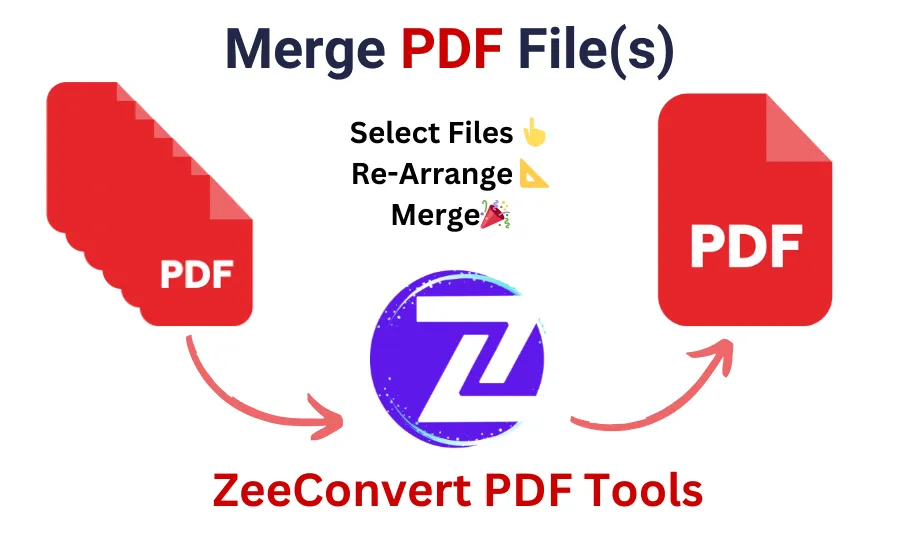
Merge PDF Files Online
Drag & drop PDF files here, or click to browse
Up to 100 MB total · Files stay in your browser, nothing is uploaded
Your files (drag to reorder)
Merging your PDFs…
How it works
- Add two or more PDF files by dragging them in or clicking to browse.
- Drag the file list into the order you want them combined.
- Click Merge PDFs and download the result.
Everything runs in your browser \u2014 your files are never uploaded to a server, so there's nothing to wait for and nothing stored anywhere.
Frequently asked questions
Is there a limit on file size or number of files?
You can merge as many PDFs as you like, up to a combined 100 MB, which covers the vast majority of documents, reports and scanned files.
Are my files uploaded anywhere?
No. The merge happens entirely in your browser using JavaScript. Your PDFs never leave your device.
Will formatting, fonts or images change?
No. Pages are copied as-is, so layout, fonts and images are preserved exactly as they are in the original files.
Can I reorder pages before merging?
Yes \u2014 drag any file up or down in the list before clicking Merge to control the order they appear in the final PDF.
Merging PDFs online used to mean installing desktop software or emailing files back and forth. This tool does the whole job in your browser: add your files, put them in the order you want, and download one combined PDF. Because nothing is uploaded to a server, it works even with sensitive documents like contracts or ID scans, and there is no waiting on an upload or download queue.
It is built for the common cases \u2014 combining scanned pages into one file, putting together a report from separate sections, or merging invoices before sending them on \u2014 and it preserves the original formatting, fonts and images exactly as they were.